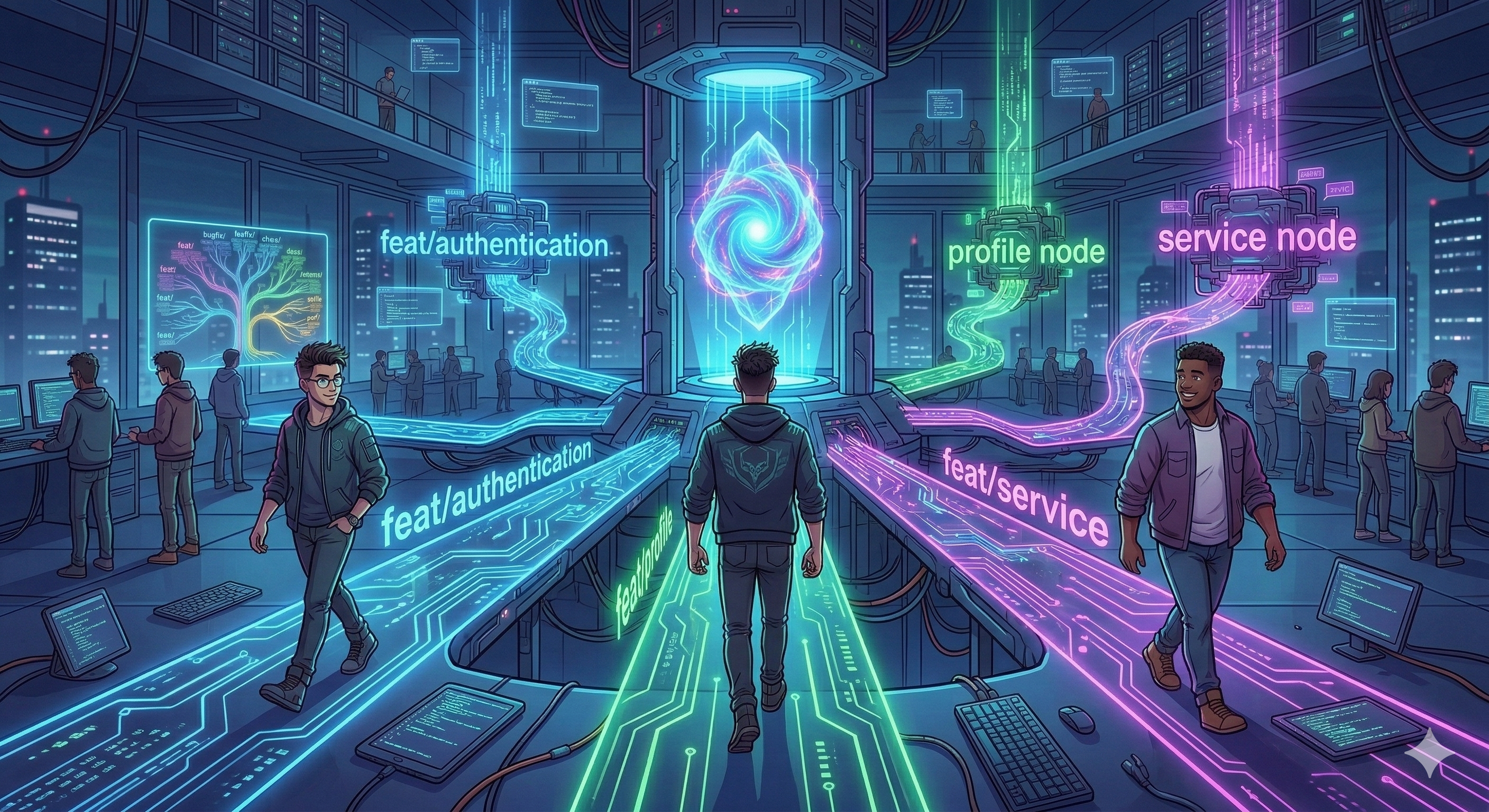
Git Adventures --- Part 1: Five Developers, One Repo, and the "It Works on My Machine" Era

Every software project begins the same way.
Someone says, "Let's build something amazing."
Ten minutes later, someone asks:
"Wait... who created the Git repo?"
This is the story of a five-person development team starting their first project together.
Meet the team.
Virat --- The Repo Master Responsible for repositories and access control.
Amaresh --- The Architect designs the project structure and keeps the codebase organised.
Johnny, Danny, Ronaldo --- The Feature Crew: Three developers who will build features, write code, and occasionally break things.
Today is Day 1.
And the project begins with the most important step in any software project.
Creating the repository.
Chapter 1 --- The Repo Is Born
Virat opens his terminal and announces that the project officially begins.
mkdir project-hyperdrive
cd project-hyperdrive
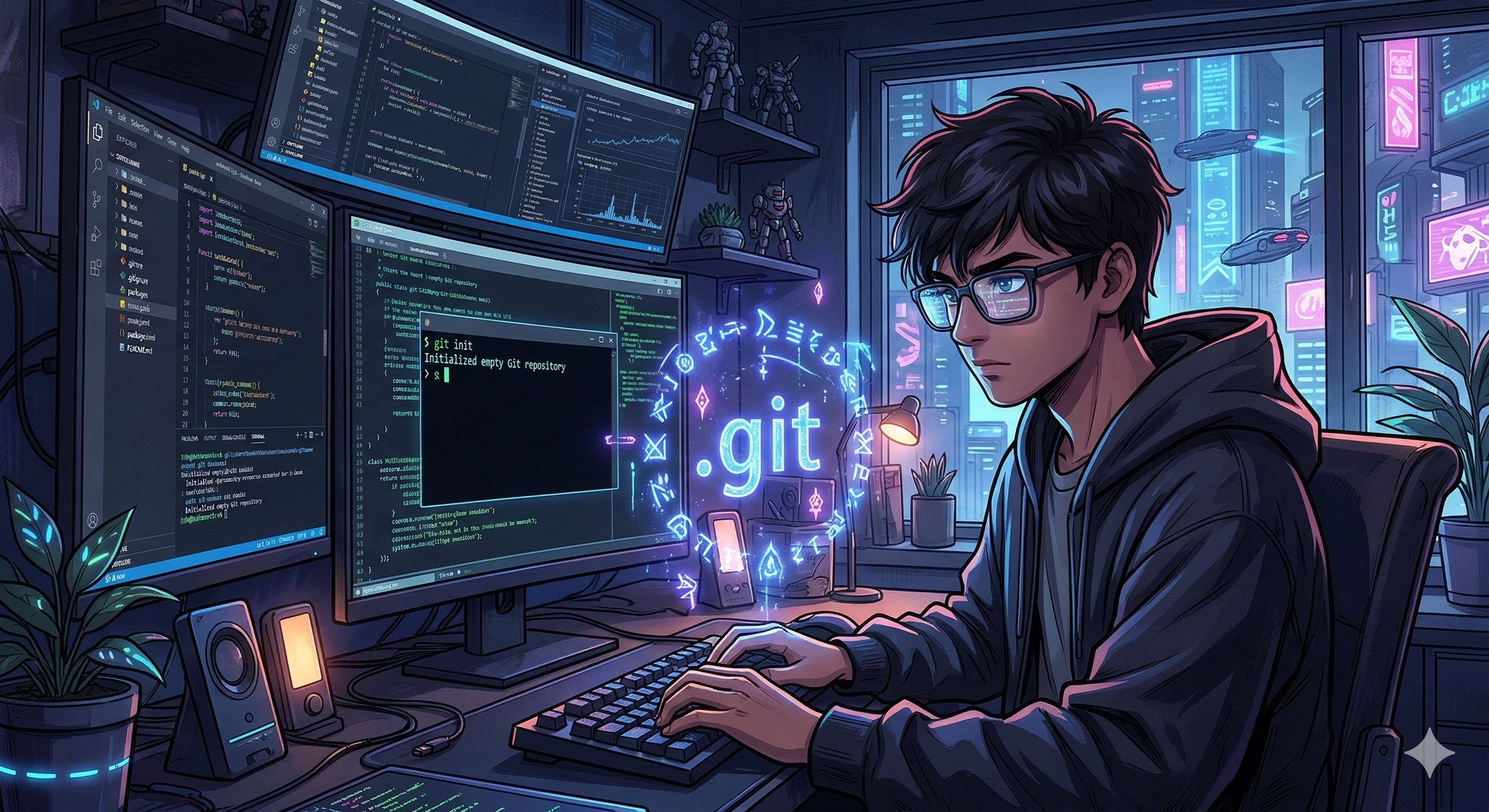
Now he initialises Git.
git init
Git responds:
Initialized empty Git repository
Behind the scenes, something important just happened.
Git created a hidden folder called:
.git
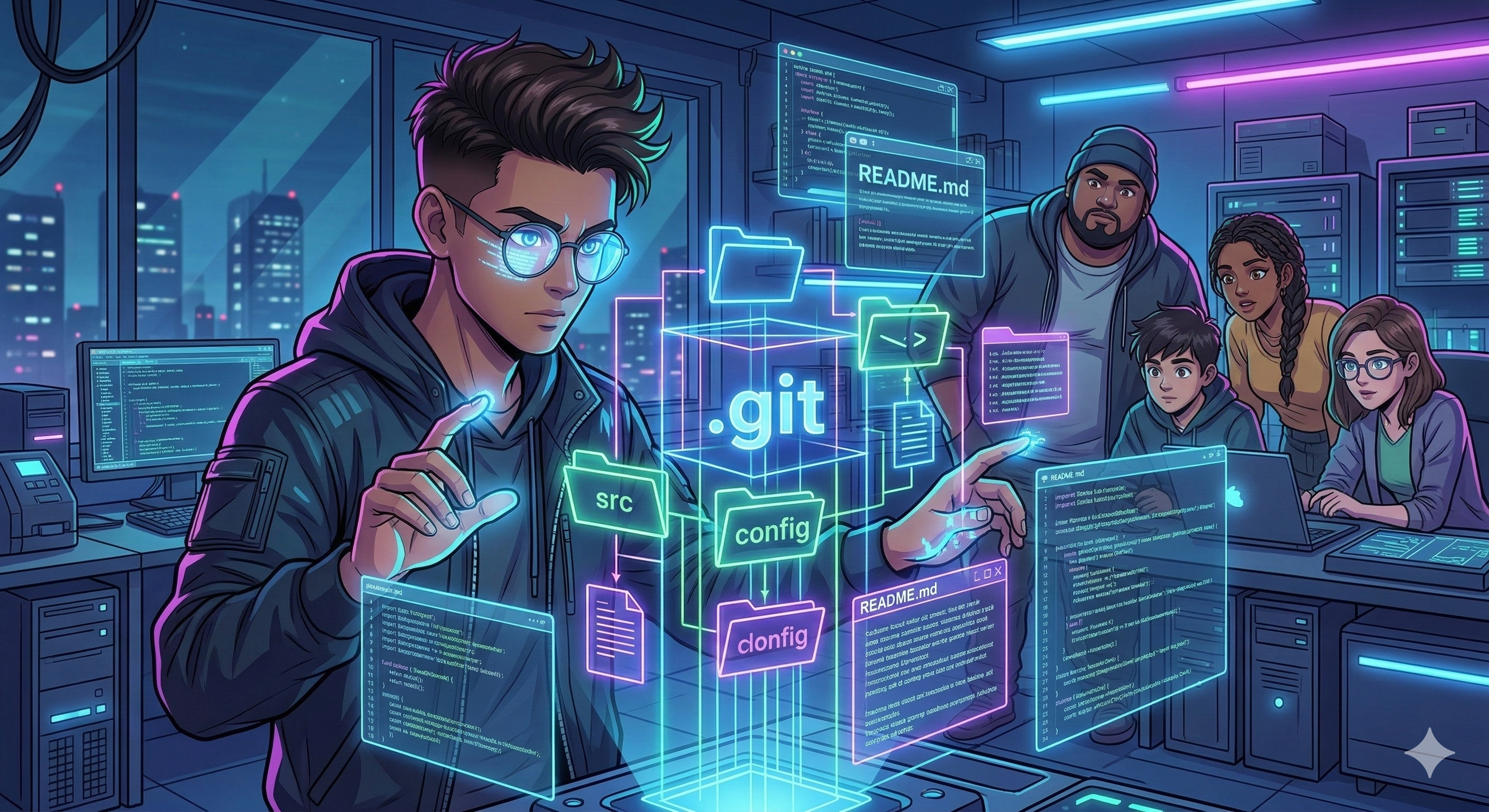
This folder stores everything Git needs:
commit history
branches
logs
references
repository metadata
Without .gitthe folder is just a normal directory.
With .git It becomes a version-controlled project.
Chapter 2 --- The Architect Builds the Foundation
Virat turns to Amaresh.
The repository exists now, but a repository without files is like a city without buildings.
Amaresh prepares the initial project structure on his machine.
He checks what Git sees.
git status
Output:
Untracked files:
README.md
src/
config/
Git sees the files but does not track them automatically.
Developers must tell Git which files should be tracked.
Chapter 3 --- Connecting the Two Worlds
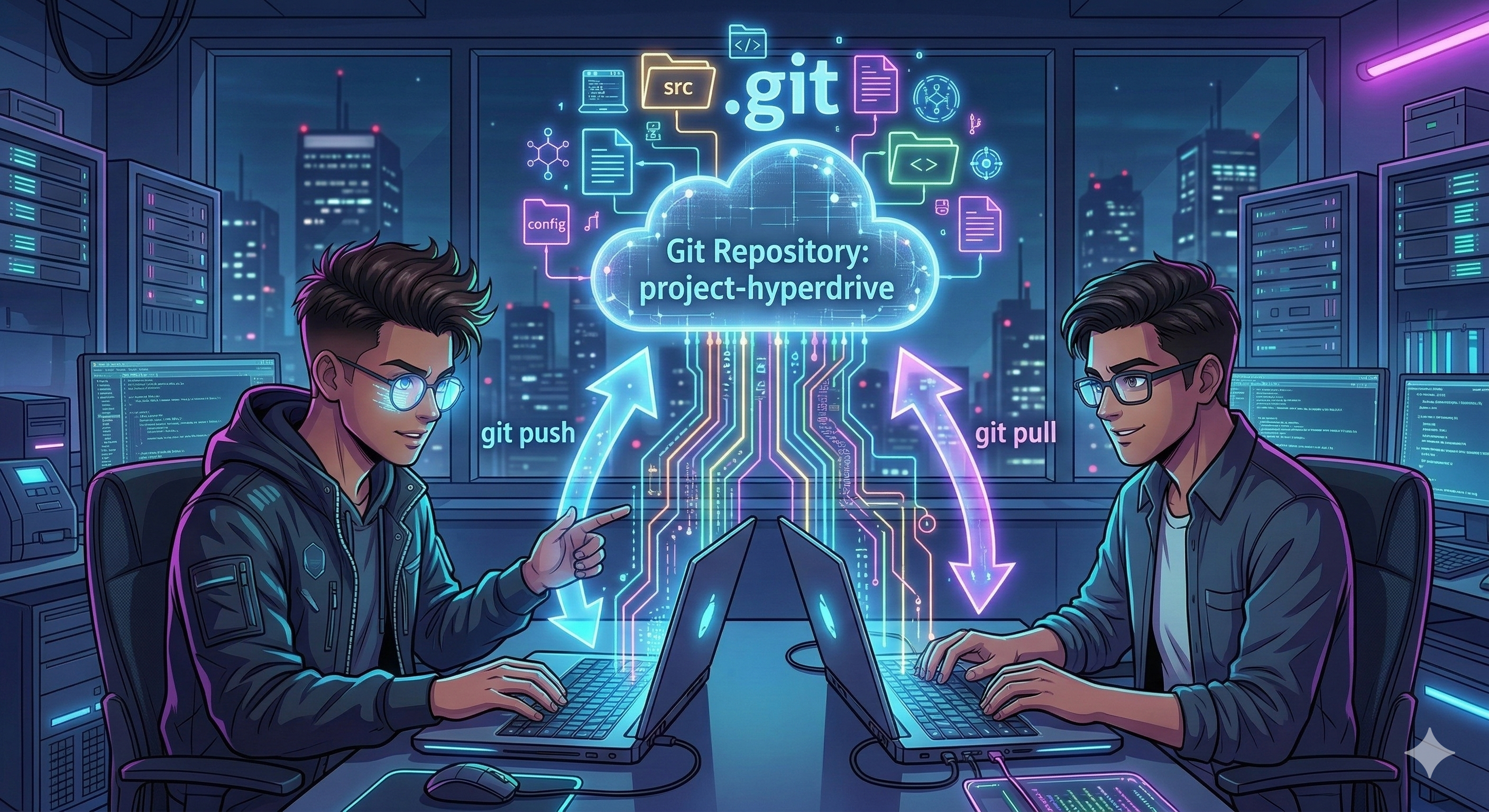
Virat created the repository on his machine, and Amaresh prepared the project on his laptop.
Johnny asks:
"How are we working in the same repository?"
Virat explains.
Local Repository → developer machines
Remote Repository → shared server
Virat connects his repository to the remote server.
git remote add origin https://company-repo/project.git
git push -u origin main
Amaresh connects his machine to the same repository.
git remote add origin https://company-repo/project.git
git pull origin main
Now both machines share the same Git history.
Chapter 4 --- Teaching Git What to Remember
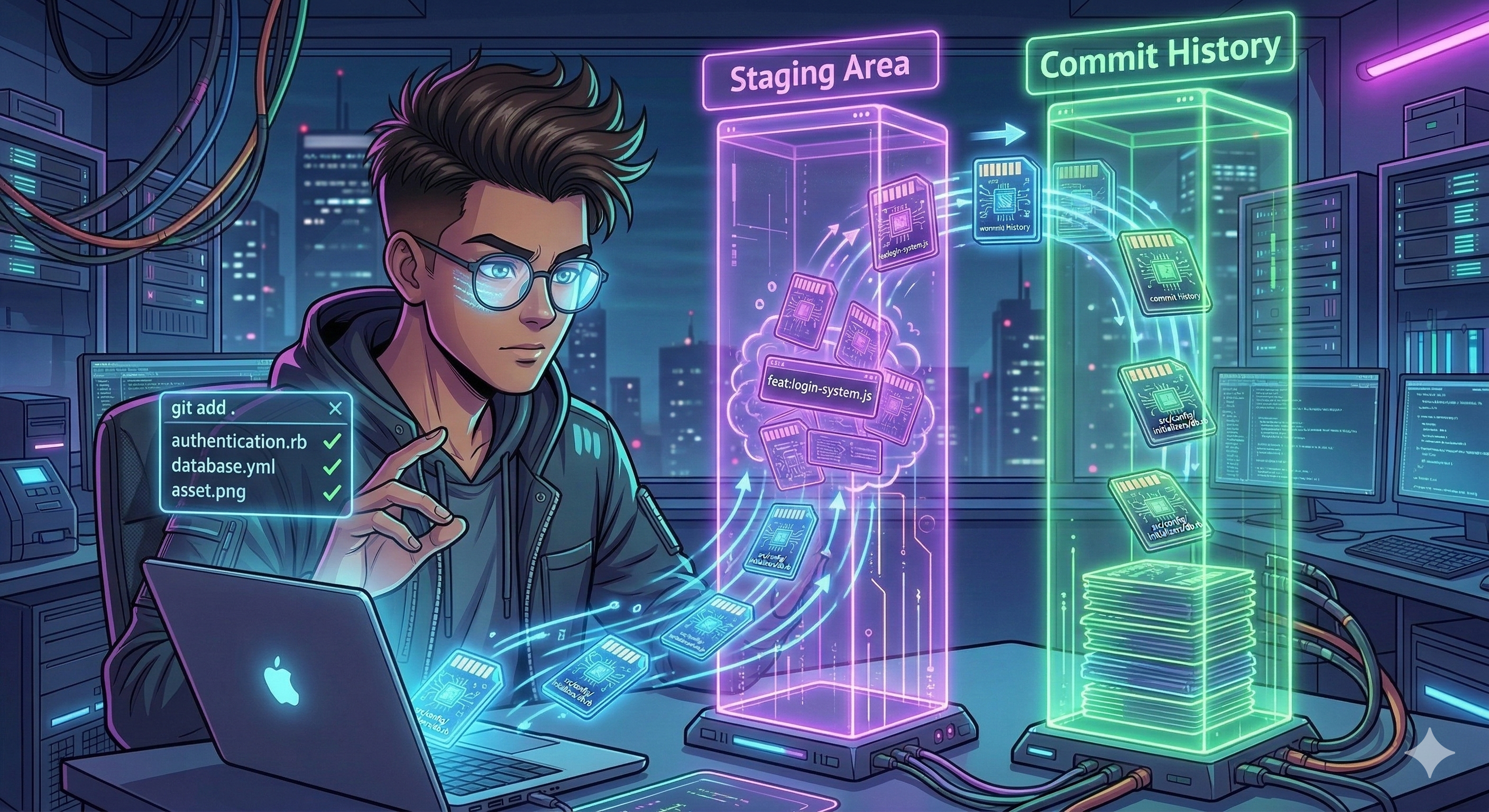
Amaresh stages the project files.
git add .
The dot (.) means add everything inside the current directory.
Git workflow:
Working Directory → Staging Area → Commit History
Staging allows developers to choose which files should go into the next commit.
Chapter 5 --- The First Commit
Amaresh creates the first commit.
git commit -m "Initial project setup"
A commit is a snapshot of the project at a specific moment.
Each commit records:
changes
author
time
commit message
Chapter 6 --- Sharing the Repo With the Team
Virat grants repository access to the team.
Johnny clones the repository.
git clone https://company-repo/project.git
Danny checks the status.
git status
Output:
On branch main
Your branch is up to date with origin/main
Everyone is synchronised.
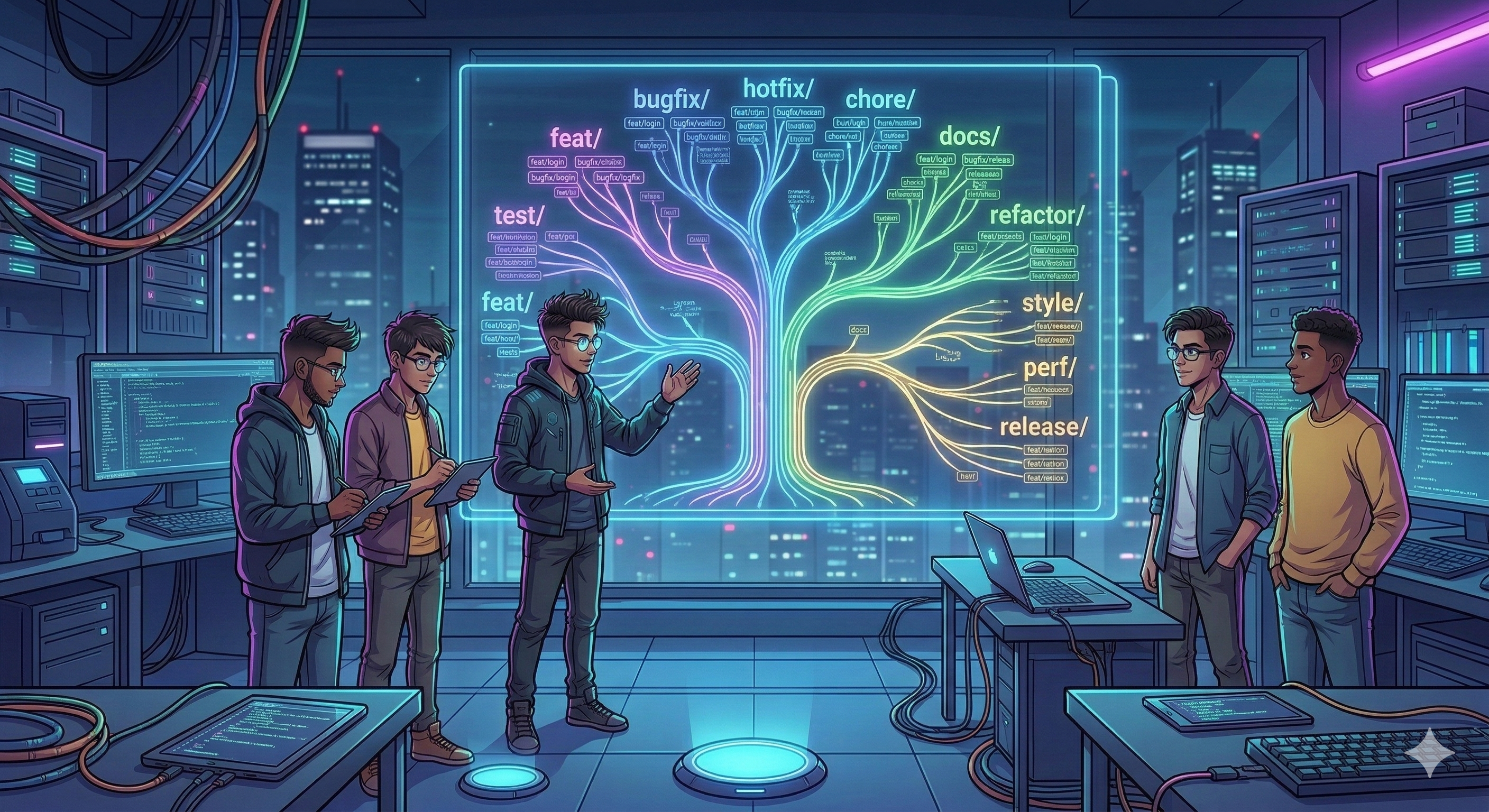
Chapter 7 --- The Branching Rules
The main The branch must always remain stable.
Developers create branches for their work.
Feature
feat/login-system
feat/payment-module
Bugfix
bugfix/login-validation
bugfix/crash-on-start
Hotfix
hotfix/security-patch
hotfix/payment-crash
Chore
chore/update-dependencies
Docs
docs/setup-guide
Refactor
refactor/auth-module
Style
style/code-formatting
Test
test/auth-tests
Performance
perf/query-optimization
Release
release/v1.0
Workflow:
Create branch → Commit → Push → Pull Request → Review → Merge
Chapter 8 --- The Feature Crew Begins
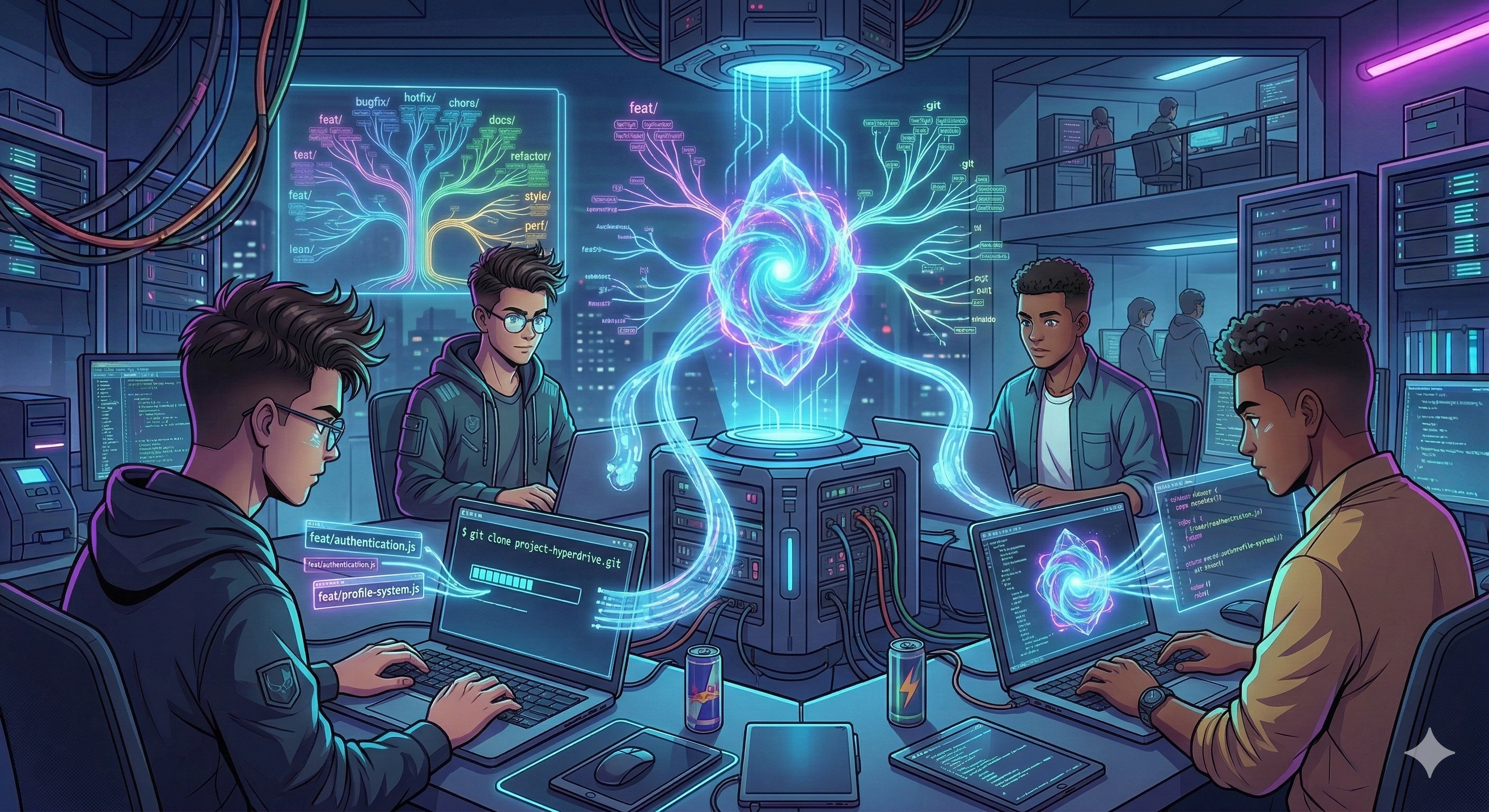
Amaresh assigns tasks.
Johnny:
git checkout -b feat/authentication
Danny:
git checkout -b feat/profile-system
Ronaldo:
git checkout -b feat/service-integration
Three developers.
Three branches.
One repository.
And somewhere in the future...
A merge conflict is waiting.
End of Part 1
What the team learned:
git init
git status
git add
git commit
git remote
git push
git clone
git branch
Branch naming examples:
feat/
bugfix/
hotfix/
docs/
chore/
refactor/
style/
test/
perf/
release/
What Happens in Part 2
In the next part, the team will learn:
PR creation
git loggit diffgit showgit stashresolving merge conflicts
Follow the series for Part 2.